Your daily flow
Bring your history. Leave with a next step.
Your career record, applications and conversations stay connected. CareerHound drafts; you decide what to use and send.
This guide shows the current development build. Packaged downloads may be an earlier version; check the changelog.
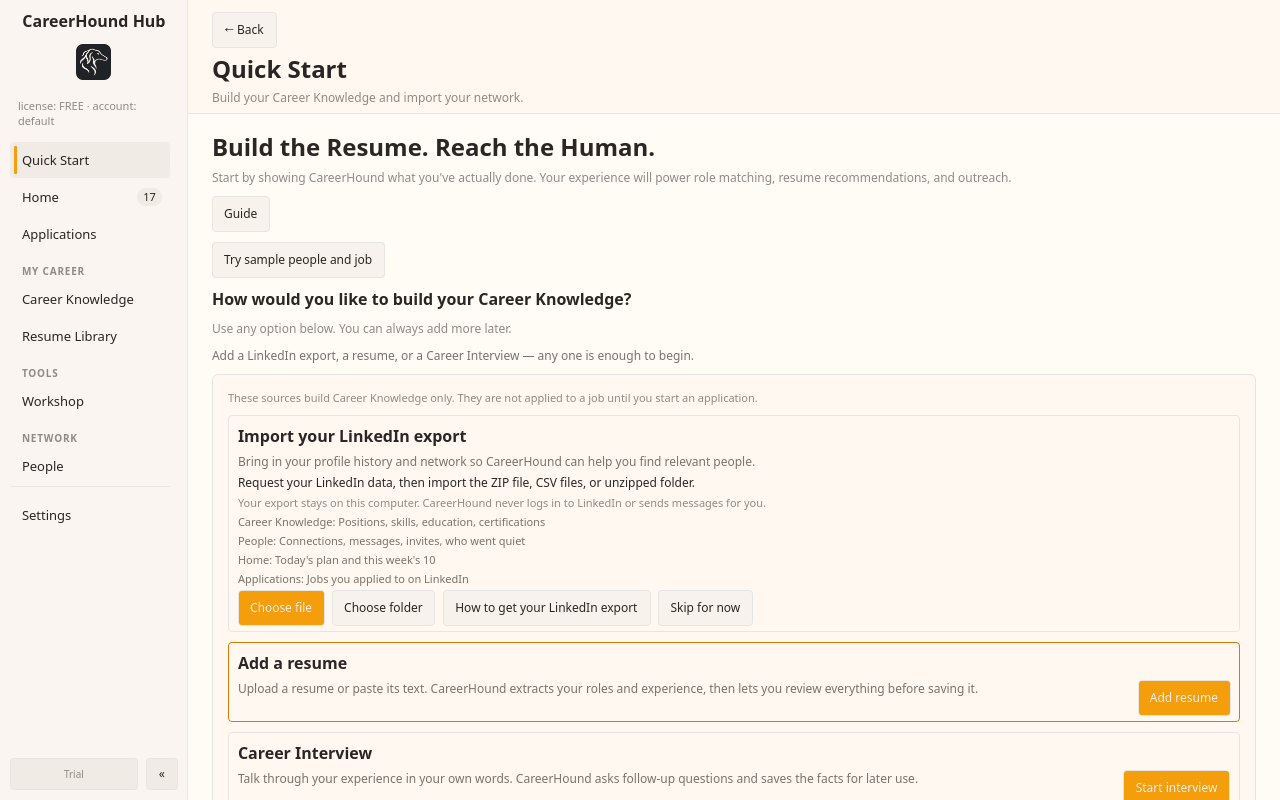
1. Sign in and bring your LinkedIn ZIP
Sign in with your CareerHound account. In Quick Start, upload your official LinkedIn export ZIP. Review the imported career details and people before building on them.
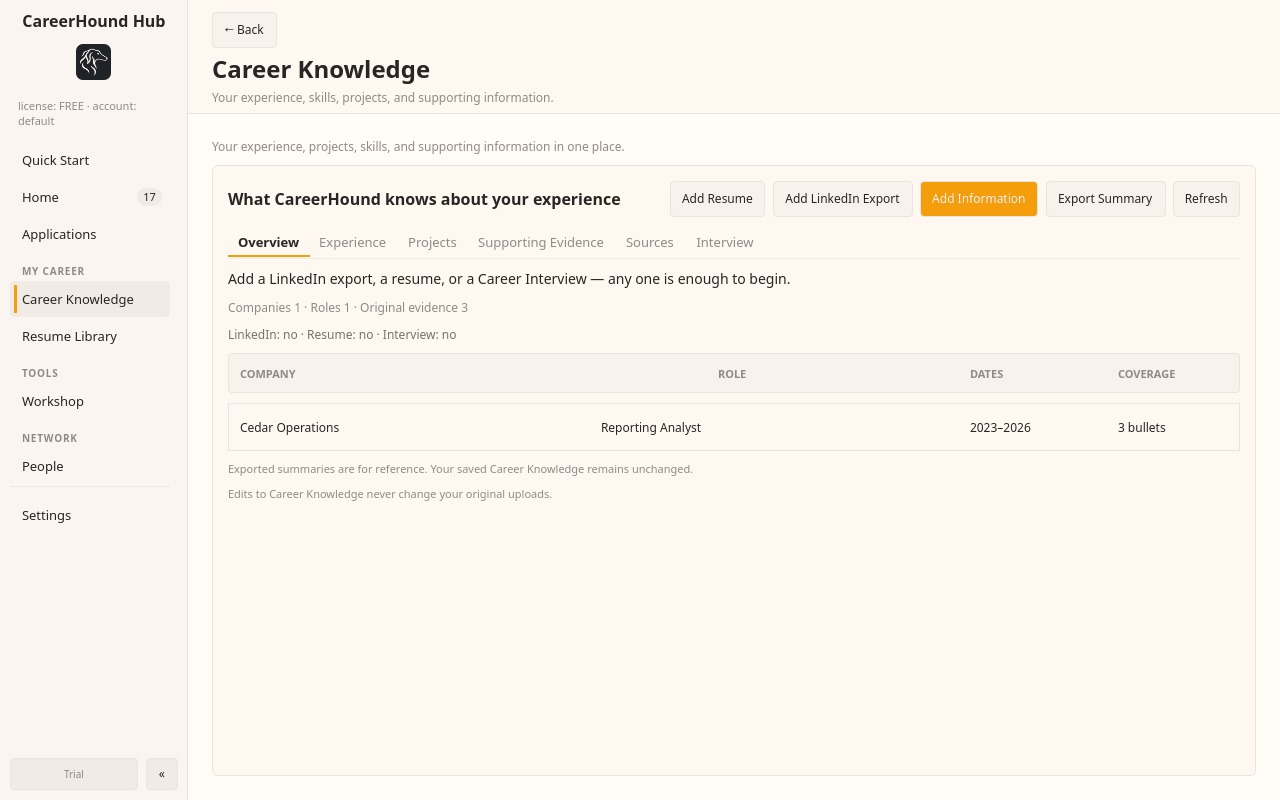
2. Build on your real experience
Career Knowledge holds your work history and evidence. Resume Library keeps earlier documents. Add your own posts to your record and review what they support; missing experience stays missing.
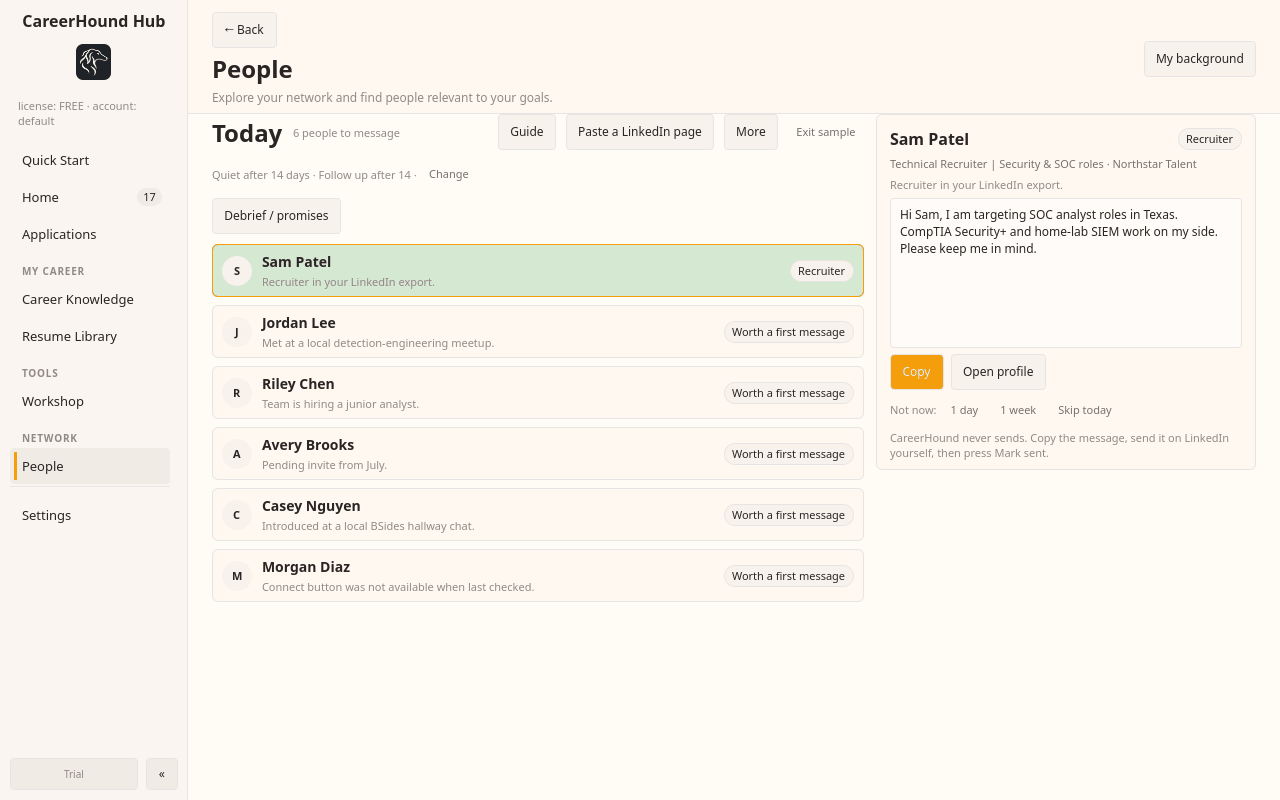
3. Open People → Today
See who needs a reply, follow-up or first message. Review the reason and draft, copy it, and send it yourself. Mark the message sent afterward, or snooze the person for later.
4. Bring in the conversation you are having
Use Paste a LinkedIn page to bring in a conversation, profile or people search. Review the parsed result before saving. Debrief / promises turns commitments you confirm into follow-up work.
5. Keep each opportunity together
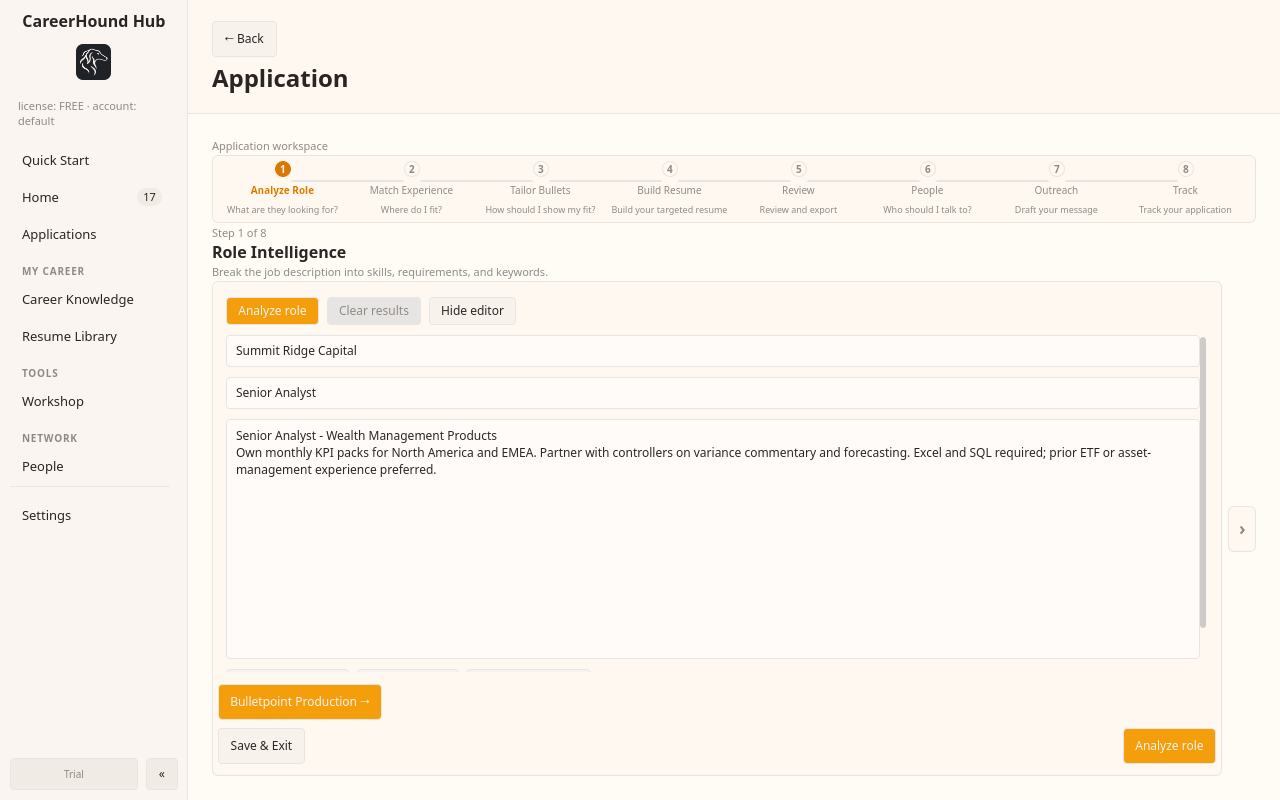
Applications connects role analysis, evidence matching, resume preparation, people, outreach and tracking. Role Intelligence V3 helps distinguish evidence you have from requirements you still need to address.
6. Review the week
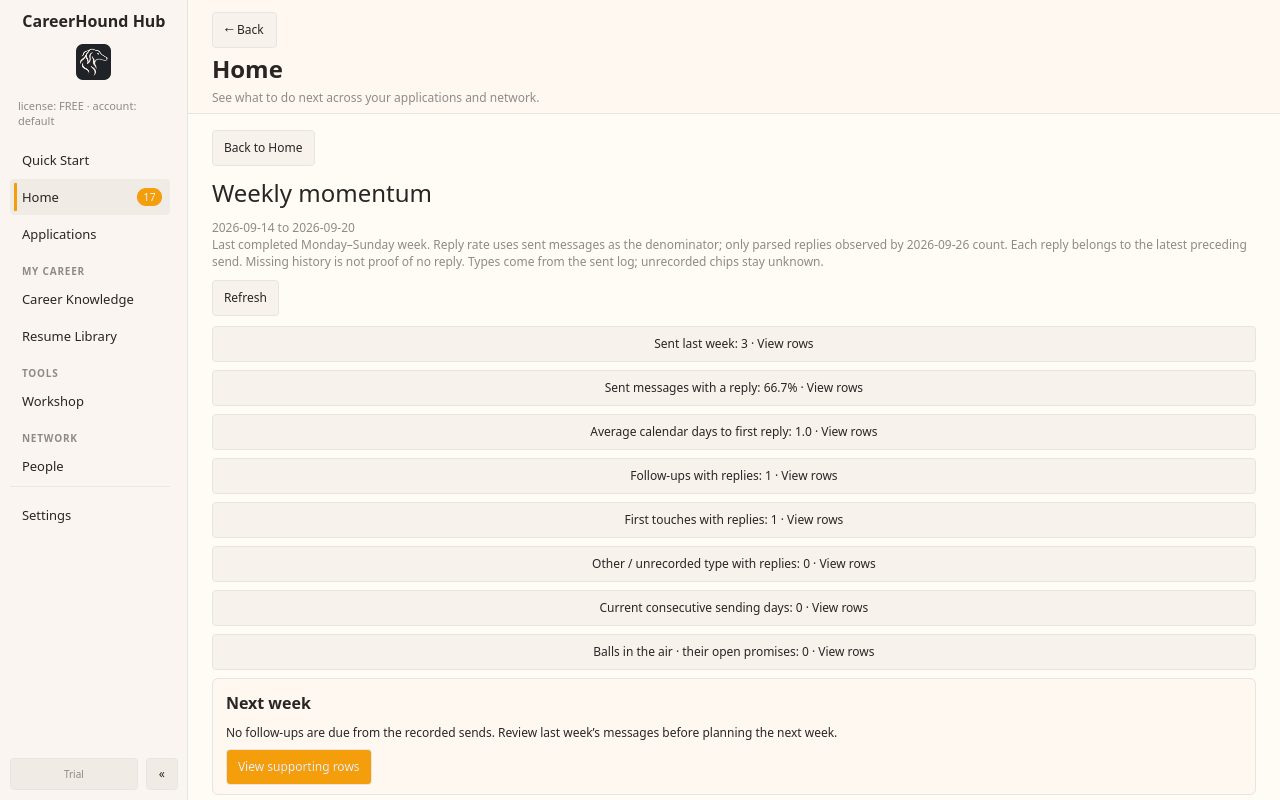
From Home, open Weekly momentum. See the activity recorded in your local history, inspect the underlying rows and choose the next action.
CareerHound AI, with your permission
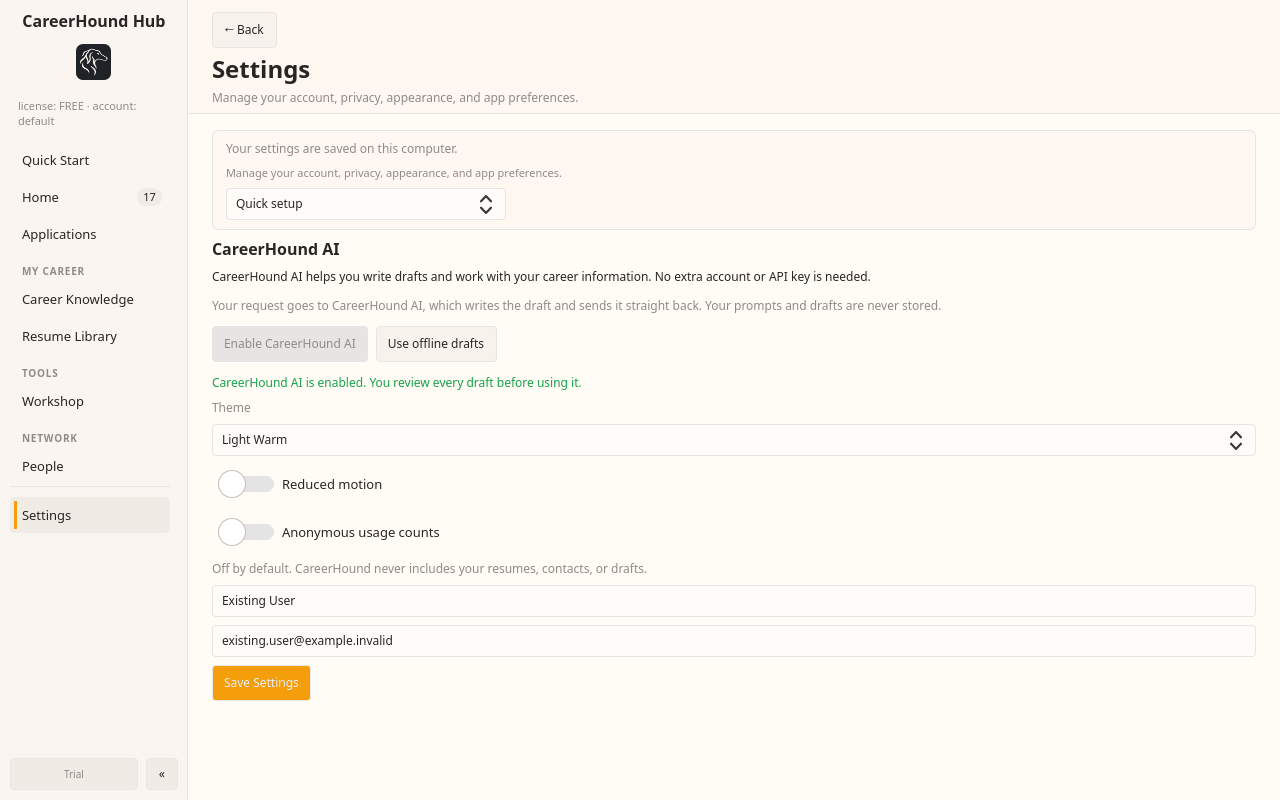
Enable CareerHound AI in Settings → AI. No provider shopping or API key is needed. The text needed for a request goes to CareerHound AI when you allow sharing. You can choose offline drafts instead.